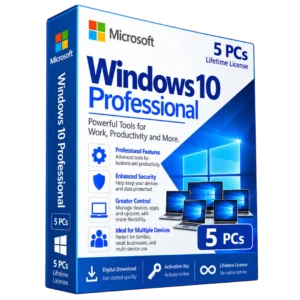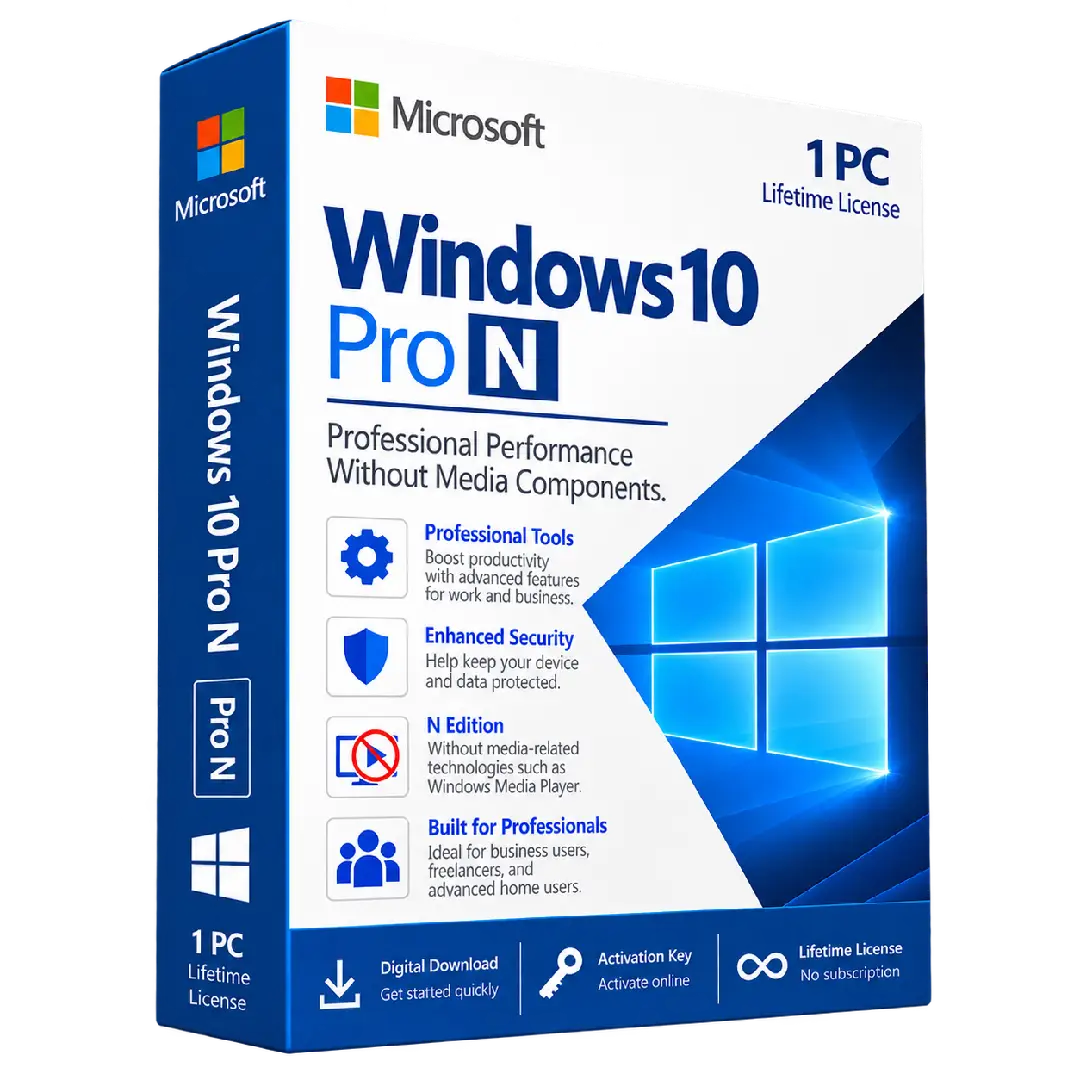
Windows 10 Pro N Activation Key
$37.00
Activate your PC with Windows 10 Pro N, a professional Windows edition designed for users who need the core features of Windows 10 Pro without the media-related technologies included in the standard Pro edition.
- 🪟 Edition: Windows 10 Pro N
- 🔑 Activation: Digital product key
- 💻 Device: 1 PC
- ⚙️ Professional Features: Designed for productivity, security, and device management
- 🎵 N Edition: Excludes certain media-related technologies included in standard Windows editions
Important: Windows 10 Pro N differs from standard Windows 10 Pro because certain media technologies are not included. Check compatibility with your applications and hardware before purchasing.
💼 Windows 10 Pro N – Professional Windows for Productivity & Control
Windows 10 Pro N is a professional edition of Windows 10 designed for users who need the capabilities of Windows 10 Pro while using an edition without certain media-related technologies.
It provides a familiar Windows 10 environment for productivity, business tasks, device management, security, and everyday professional computing. The N edition differs from standard Windows editions primarily because certain media technologies and preinstalled media-related components are excluded.
🔥 Key Features & Benefits
- 💼 Professional Windows Edition: Designed for users who need more professional capabilities than a basic Windows edition.
- 🛡️ Security & Management: Provides Windows 10 Pro functionality for professional computing and device management.
- ⚙️ Productivity Focused: Suitable for work, business applications, documents, browsing, and everyday professional tasks.
- 🎵 N Edition: Certain media-related technologies are excluded compared with the standard Windows 10 Pro edition.
- 💻 1 PC: This product is intended for activation on one compatible PC.
- 🔑 Digital Activation: Activate your compatible Windows installation using the supplied product key.
🛡️ What Makes Windows 10 Pro N Different?
The main distinction between Windows 10 Pro N and standard Windows 10 Pro is the removal of certain media-related technologies. This can affect applications or features that depend on Windows media components.
Microsoft provides the Media Feature Pack for supported N editions, which can add back certain media-related functionality when required.
- 🪟 Based on the Windows 10 Pro edition
- 🎬 Certain media technologies are excluded
- 🎵 Media-dependent applications may require additional components
- ⚙️ The Media Feature Pack may be available for supported versions
- 💼 Suitable for professional and productivity-focused PC use
📌 Product Specifications
- Product: Windows 10 Pro N Activation Key
- Edition: Windows 10 Pro N
- License: Digital activation key
- Device: 1 PC
- Platform: Windows PC
- Delivery: Digital product
⚙️ Compatibility & Important Information
Windows 10 Pro N is not identical to standard Windows 10 Pro. Because N editions do not include certain media-related technologies, some applications, games, websites, or hardware features that rely on those components may require additional software or the Media Feature Pack.
Before purchasing, verify that your current Windows edition and applications are compatible with Windows 10 Pro N. A product key intended for Windows 10 Pro N should be used with the corresponding edition.
🔑 How to Activate Windows 10 Pro N
- Check your Windows edition: Open Settings → System → About and verify that your system is compatible with Windows 10 Pro N.
- Open Activation settings: Go to Settings → Update & Security → Activation.
- Enter your product key: Select the option to change the product key and enter the Windows 10 Pro N key supplied with your order.
- Complete activation: Follow the on-screen instructions to complete the activation process.
- Verify activation: Return to the Activation settings page and confirm that Windows has been activated.
📥 Digital Product Delivery
Your Windows 10 Pro N activation key is delivered digitally according to the delivery method specified by BuySoftKeys. No physical product is required.
After receiving your key, store it securely for your records and future reference in accordance with the applicable license terms.
⚠️ Before You Buy
- ✔️ Confirm that you need the Windows 10 Pro N edition.
- ✔️ Check that your PC meets the applicable Windows 10 requirements.
- ✔️ Check application compatibility if you rely on media-related software or features.
- ✔️ Remember that N editions differ from standard Windows editions in their included media technologies.
- ✔️ Make sure the product edition matches the edition you intend to activate.
🛠️ Need Assistance?
If you have questions about your order, product key, installation, compatibility, or activation, the BuySoftKeys support team can help you with the next steps.
Note: Activation and functionality are subject to the applicable Microsoft software and licensing terms.