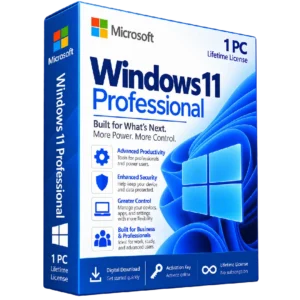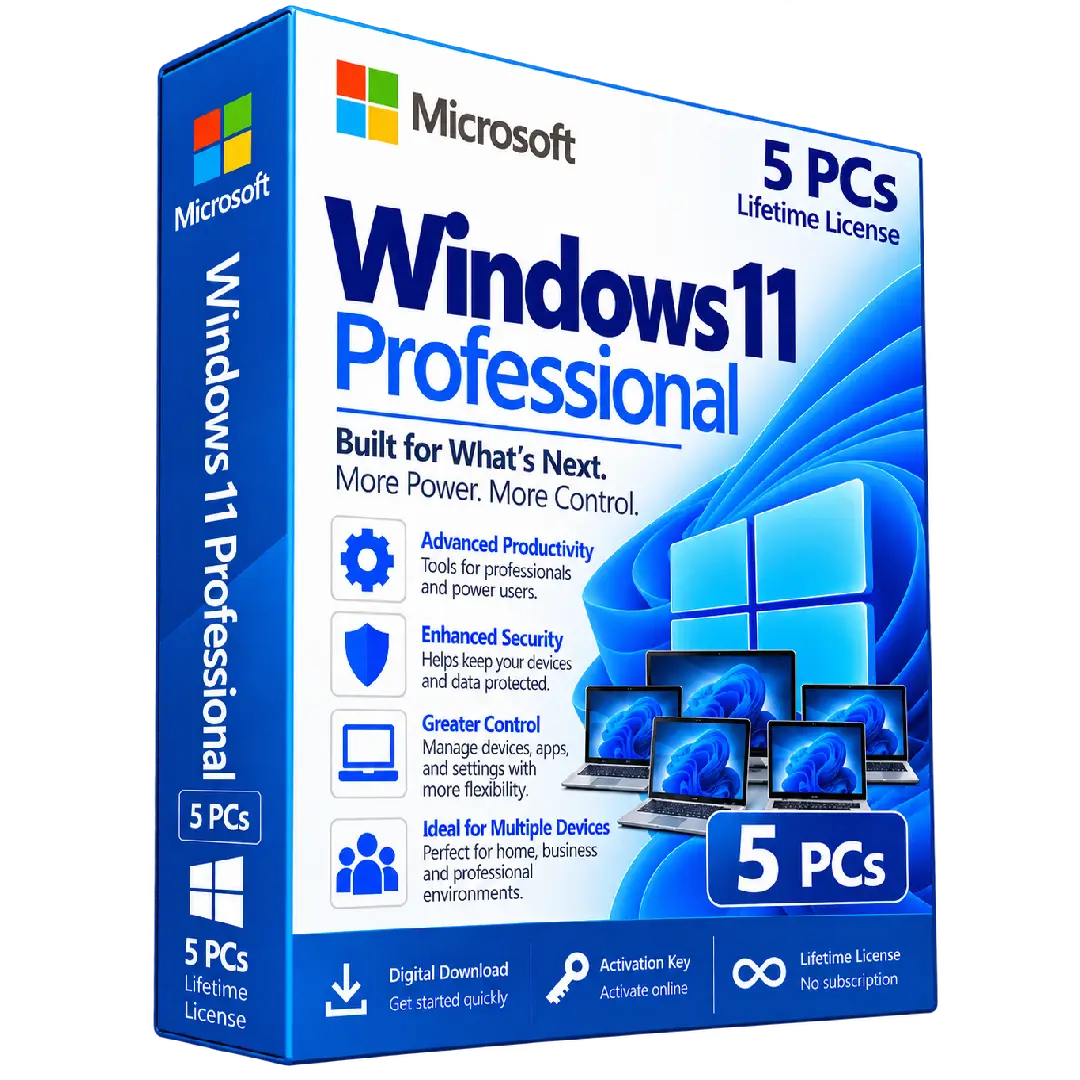
Windows 11 Professional Activation Key – 5 PCs
$140.00
Get Windows 11 Professional with coverage for up to 5 compatible PCs, providing a modern Windows experience with professional productivity, security, and device-management capabilities.
- 🪟 Edition: Windows 11 Professional
- 💻 Coverage: Up to 5 PCs
- 🔑 Activation: Digital product key
- ⚙️ Productivity: Advanced tools for professionals and power users
- 🛡️ Security: Professional security and management features
Important: Please verify that each PC meets the applicable Windows 11 requirements and that the product’s 5-PC licensing terms match your intended use.
💼 Windows 11 Professional – Powerful Features for Up to 5 PCs
Windows 11 Professional – 5 PCs combines the modern Windows 11 experience with professional features designed for productivity, security, device management, and greater control. This product is intended for users who need Windows 11 Professional activation across multiple compatible PCs.
Whether you are setting up several workstations, managing computers for a small team, or using multiple PCs for professional and personal tasks, Windows 11 Professional provides a flexible environment built for modern computing.
🔥 Key Features & Benefits
- 💻 5-PC Coverage: Designed to provide activation coverage for up to five compatible PCs according to the applicable license terms.
- ⚙️ Advanced Productivity: Professional-oriented features help support work, productivity, and demanding everyday workflows.
- 🛡️ Enhanced Security: Includes integrated Windows security capabilities designed to help protect devices and information.
- 🎛️ Greater Control: Provides additional options for managing devices, applications, settings, and system configurations.
- 💼 Built for Professionals: Suitable for business users, freelancers, students, power users, and advanced home environments.
- ✨ Modern Windows Experience: Enjoy the refreshed Windows 11 interface and features designed for contemporary PCs.
- 🔑 Digital Activation: Activate compatible Windows 11 Professional installations using the supplied product key.
🚀 Designed for Multiple Devices
The 5-PC option is designed for users who need Windows 11 Professional across multiple compatible computers. It can be suitable for multi-device setups where professional Windows features are required on several PCs.
- 🖥️ Suitable for multiple compatible desktop or laptop PCs
- 💼 Useful for professional and small-office environments
- 📚 Suitable for productivity and study setups
- ⚙️ Professional features across compatible devices
- 🛡️ Integrated security and management capabilities
📌 Product Specifications
- Product: Windows 11 Professional Activation Key – 5 PCs
- Edition: Windows 11 Professional
- Coverage: Up to 5 PCs
- License: Digital activation key
- Platform: Windows PC
- Delivery: Digital product
⚙️ Compatibility & Requirements
Before purchasing, make sure the computers you intend to activate meet the applicable Windows 11 hardware requirements. Windows 11 has specific hardware requirements that should be checked before installation.
Also verify that the Windows edition installed on each PC is compatible with Windows 11 Professional. If a PC is running a different edition, check the applicable upgrade or installation path before attempting activation.
We recommend backing up important files before performing a major operating system installation or upgrade.
🔑 How to Activate Windows 11 Professional
- Check the Windows edition: On each PC, open Settings → System → About and verify the installed Windows edition.
- Open Activation: Go to Settings → System → Activation.
- Enter the product key: Select the option to change the product key and enter the Windows 11 Professional key supplied with your order.
- Complete activation: Follow the on-screen instructions to complete the activation process.
- Repeat where applicable: Activate the other compatible PCs covered by your applicable license terms.
- Verify activation: Check the Activation page on each PC to confirm its activation status.
📥 Digital Product Delivery
Your Windows 11 Professional activation key – 5 PCs is provided digitally according to the delivery method specified by BuySoftKeys. No physical product is required.
After receiving your key, keep it stored securely for your records and future reference in accordance with the applicable license terms.
⚠️ Before You Buy
- ✔️ Confirm that you need the Windows 11 Professional edition.
- ✔️ Verify that each PC meets the applicable Windows 11 hardware requirements.
- ✔️ Make sure the product’s 5-PC licensing terms match your intended use.
- ✔️ Check the Windows edition installed on each PC before activation.
- ✔️ Back up important files before reinstalling or upgrading Windows.
- ✔️ Review the applicable Microsoft licensing and activation requirements.
🛠️ Need Assistance?
If you have questions about your order, product key, installation, compatibility, or activation, the BuySoftKeys support team can help you with the next steps.
Note: Activation and functionality are subject to the applicable Microsoft software and licensing terms.