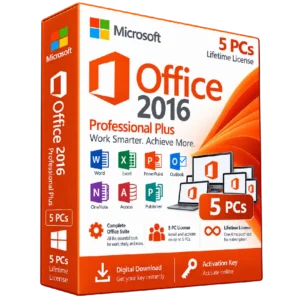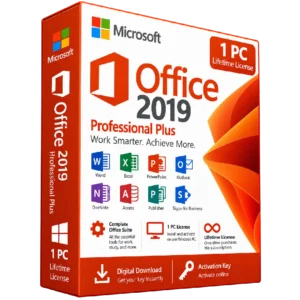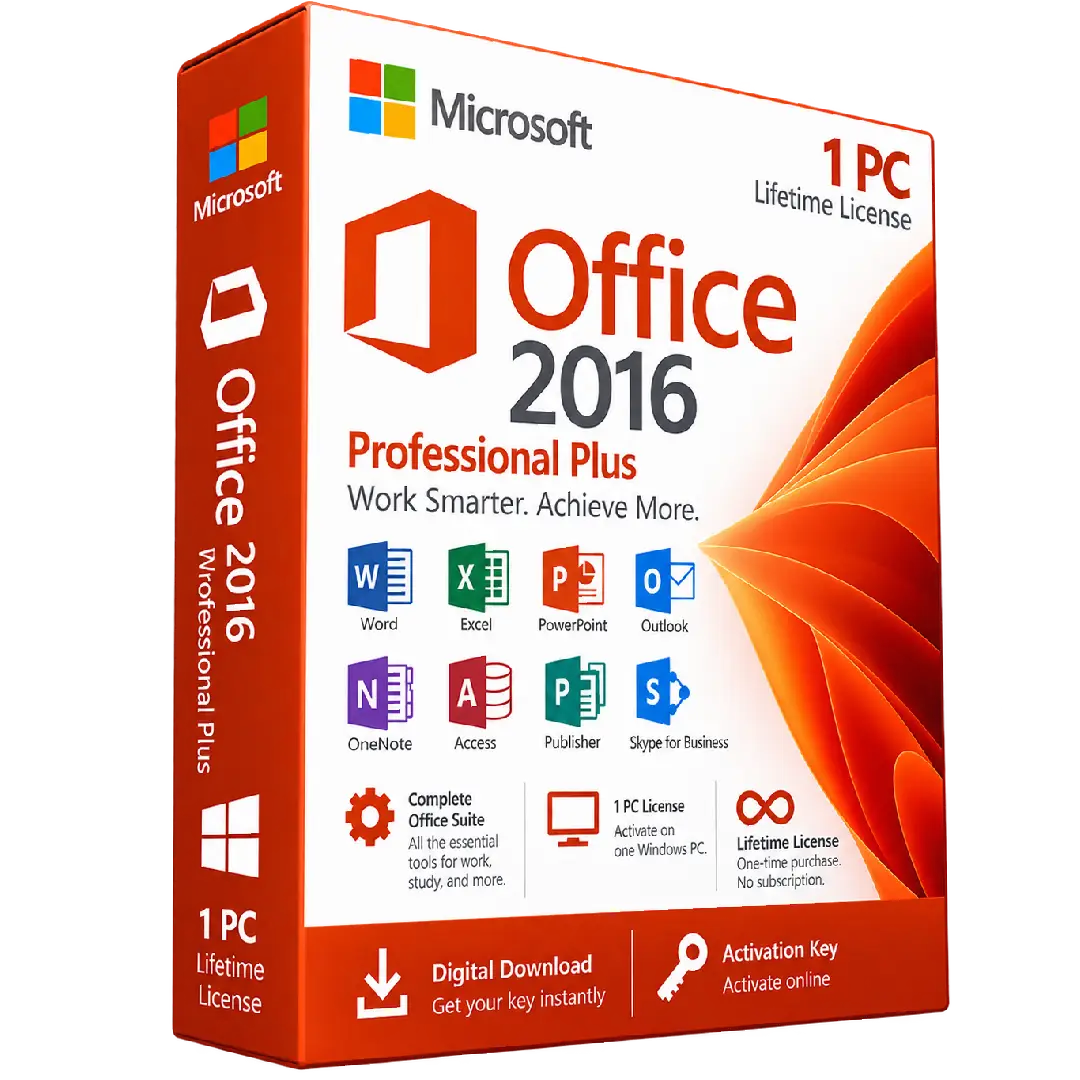
Microsoft Office 2016 Professional Plus Activation Key – 1 PC
$27.00
Get Microsoft Office 2016 Professional Plus with a digital activation key for 1 PC. This comprehensive Office suite provides essential applications for documents, spreadsheets, presentations, email, databases, and professional productivity.
- 📦 Edition: Office 2016 Professional Plus
- 💻 License: 1 PC
- 🔑 Activation: Digital product key
- 📝 Apps: Word, Excel, PowerPoint, Outlook, OneNote, Access & Publisher
- 💼 Ideal for: Work, business, study, and everyday productivity
Important: This is a Windows PC product. Please verify your system compatibility and Office edition before purchasing.
📦 Microsoft Office 2016 Professional Plus – Complete Productivity Suite
Microsoft Office 2016 Professional Plus provides a comprehensive collection of productivity applications designed for professional, business, educational, and everyday use. With essential tools for creating documents, analyzing data, preparing presentations, managing email, and organizing information, Office 2016 Professional Plus gives you the applications you need in one complete suite.
This product is intended for 1 Windows PC and is activated using the supplied digital product key.
🔥 Included Office Applications
- 📝 Microsoft Word: Create, edit, format, and manage professional documents.
- 📊 Microsoft Excel: Work with spreadsheets, calculations, data, tables, and analysis.
- 📽️ Microsoft PowerPoint: Create professional presentations, slides, and visual content.
- 📧 Microsoft Outlook: Manage email, calendars, contacts, and other communication tasks.
- 📓 Microsoft OneNote: Organize notes, ideas, information, and projects in one place.
- 🗄️ Microsoft Access: Create and manage databases for organizing and working with structured information.
- 📰 Microsoft Publisher: Create layouts and publications such as brochures, flyers, and other printable materials.
💼 Designed for Work & Productivity
Office 2016 Professional Plus brings together a broad selection of desktop productivity applications in a single suite. It can be used for professional documents, financial spreadsheets, presentations, email management, database work, note-taking, and publishing projects.
- 📄 Create professional documents and reports
- 📈 Analyze information and manage spreadsheets
- 🎯 Build presentations for work, school, and projects
- 📧 Organize email, contacts, and calendars
- 🗂️ Manage databases and structured information
- 📰 Design brochures, flyers, and publications
📌 Product Specifications
- Product: Microsoft Office 2016 Professional Plus Activation Key – 1 PC
- Edition: Office 2016 Professional Plus
- License: 1 PC
- Activation: Digital product key
- Platform: Windows PC
- Product Type: Office productivity software
- Delivery: Digital product
⚙️ Compatibility Information
This product is intended for a Windows PC. Before purchasing, verify that your computer meets the applicable system requirements for Microsoft Office 2016 and that you are selecting the correct Office edition.
Please also check compatibility with your existing Office installation. If another version of Office is already installed, it may need to be removed or configured appropriately before installing Office 2016.
We recommend backing up important documents and files before making significant changes to your Office installation.
🔑 How to Install & Activate Office 2016
- Prepare your PC: Make sure your Windows computer is compatible with Office 2016 and close any running Office applications.
- Download Office: Obtain the appropriate Office 2016 installation files from the applicable Microsoft installation source.
- Install Office: Run the installer and follow the on-screen instructions to complete the installation.
- Open an Office application: Launch Word, Excel, PowerPoint, or another installed Office application.
- Enter your product key: When prompted, enter the Office 2016 Professional Plus activation key supplied with your order.
- Complete activation: Follow the activation instructions presented by Microsoft.
- Verify activation: Open the Office account or activation information and confirm that the product has been activated successfully.
📥 Digital Product Delivery
Your Microsoft Office 2016 Professional Plus activation key is provided digitally according to the delivery method specified by BuySoftKeys. No physical disc or package is required.
After receiving your key, store it securely for your records and future reference in accordance with the applicable license terms.
⚠️ Before You Buy
- ✔️ Confirm that you need Office 2016 Professional Plus.
- ✔️ Verify that the product is compatible with your Windows PC.
- ✔️ Confirm that the 1-PC license matches your intended use.
- ✔️ Check compatibility with any existing Microsoft Office installation.
- ✔️ Back up important documents before reinstalling or changing Office.
- ✔️ Review the applicable Microsoft licensing and activation requirements.
🛠️ Need Assistance?
If you have questions about your order, product key, installation, compatibility, or activation, the BuySoftKeys support team can help you with the next steps.
Note: Installation, activation, and functionality are subject to Microsoft’s applicable software and licensing terms.