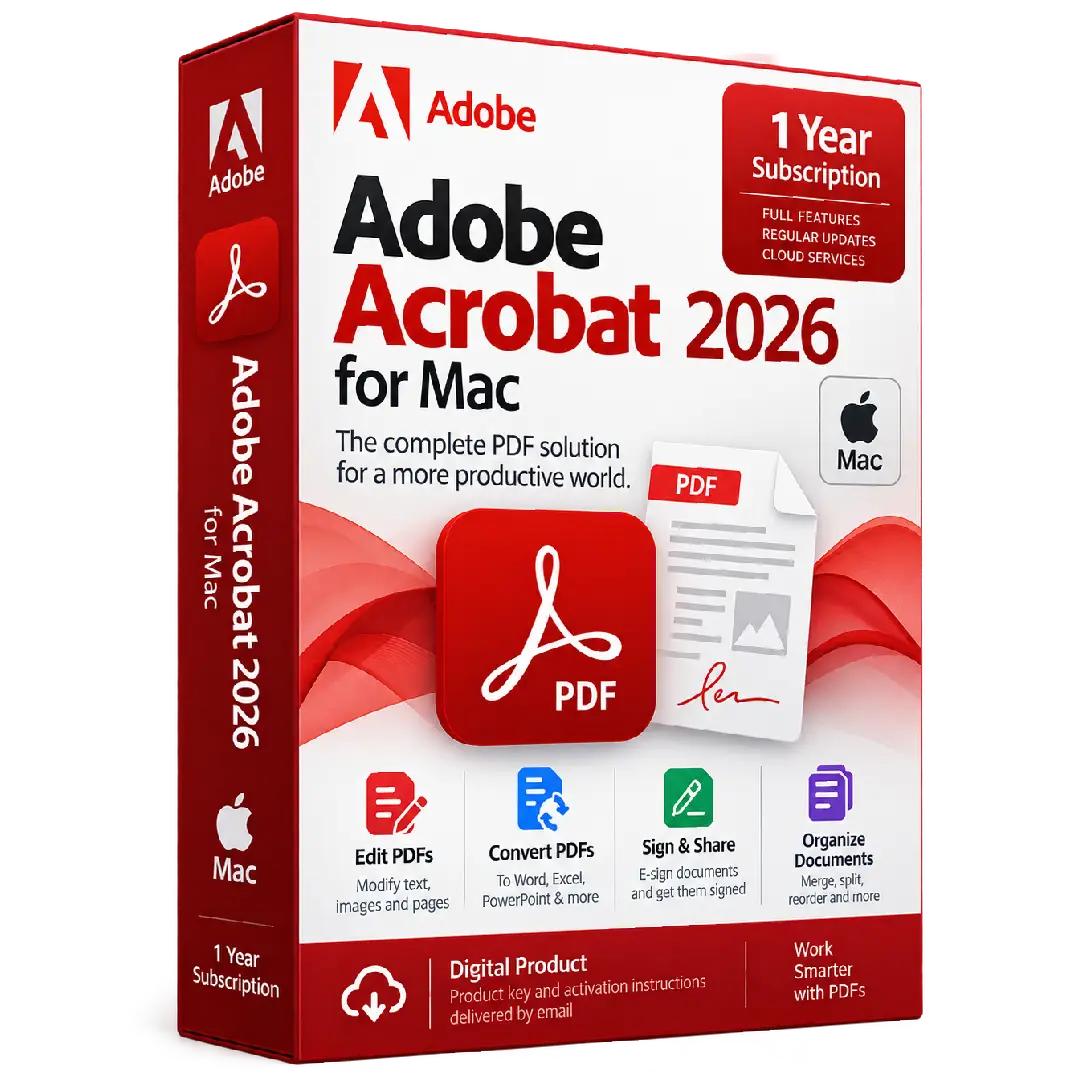
Adobe Acrobat 2026 for Mac – 1 Year Subscription
$149.00
Work smarter with PDFs using Adobe Acrobat 2026 for Mac – 1 Year Subscription. Create, edit, convert, organize, sign, and share PDF documents with a professional Acrobat subscription designed for macOS.
- 📄 Product: Adobe Acrobat 2026 for Mac
- 🍎 Platform: macOS
- 📅 Subscription: 1 Year
- ✏️ PDF Editing: Modify text, images, and pages
- 🔄 Conversion: Convert PDFs to supported Office formats
Important: This is a subscription product for Mac. An Adobe account and internet connection may be required for installation, activation, and periodic subscription verification. :contentReference[oaicite:0]{index=0}
📄 Adobe Acrobat 2026 for Mac – 1 Year Subscription
Adobe Acrobat 2026 for Mac provides a professional environment for working with PDF documents. Create, edit, convert, organize, sign, share, and manage PDF files from your Mac using Acrobat’s integrated document tools.
Whether you’re working with business documents, forms, reports, contracts, or everyday PDF files, Acrobat helps bring essential PDF workflows together in one application.
🔥 Key Features & Benefits
- ✏️ Edit PDFs: Modify supported PDF text, images, and page content.
- 🔄 Convert Documents: Export PDFs to supported formats such as Microsoft Word, Excel, and PowerPoint.
- 📝 Create PDFs: Create PDF documents from supported files and document sources.
- ✍️ Fill & Sign: Complete forms and add electronic signatures to supported documents.
- 📚 Organize PDFs: Combine, reorder, rotate, and manage PDF pages.
- 🔗 Share & Review: Share documents and collaborate through supported Acrobat services.
- ☁️ Cloud Features: Access supported Acrobat online and cloud-based document workflows with an eligible subscription.
✏️ Edit & Manage PDF Documents
Acrobat provides tools for working directly with PDF documents, allowing you to make supported changes without having to recreate the original document from scratch.
- 📝 Modify PDF text
- 🖼️ Work with supported images within PDFs
- 📄 Organize individual PDF pages
- 🔀 Combine documents into a single PDF
- ↕️ Reorder and rotate pages
🔄 Convert PDFs to Other Formats
Convert PDF documents into supported editable formats when you need to continue working on their content in other applications.
- 📘 Convert PDFs to Microsoft Word
- 📊 Export PDF content to Microsoft Excel
- 📑 Convert supported PDFs to PowerPoint
- 📄 Create PDFs from supported documents and files
Available conversion options can depend on your Acrobat plan, document type, and Adobe services.
✍️ Sign, Fill & Share Documents
Acrobat provides digital document workflows for completing forms, signing documents, and sharing files for review.
- ✍️ Fill out supported PDF forms
- 🖊️ Add electronic signatures
- 📨 Send documents for review or signature using supported services
- 🔗 Share documents through supported Acrobat sharing features
📚 Organize Your Documents
Keep PDF files organized by managing pages and combining multiple documents when needed.
- 📑 Merge multiple documents into a PDF
- 🔀 Reorder pages
- 🗑️ Remove unwanted pages
- 🔄 Rotate pages when required
- 📂 Manage PDF files within your document workflow
☁️ Acrobat Across Desktop & Web
Eligible Acrobat subscriptions can provide access to PDF tools across desktop, web, and supported mobile experiences. Adobe also provides cloud-based document features for supported subscription plans. :contentReference[oaicite:1]{index=1}
Acrobat’s desktop application is installed locally on your Mac, while supported online services can extend your PDF workflow beyond the desktop application.
📌 Product Specifications
- Product: Adobe Acrobat 2026 for Mac
- Platform: macOS
- Subscription: 1 Year
- Product Type: PDF productivity and document-management software
- Delivery: Digital product
- Account: Adobe account required for subscription access
⚙️ Mac Compatibility
Adobe’s current Acrobat technical requirements list support on macOS 13 Ventura, macOS 14 Sonoma, macOS 15 Sequoia, and macOS 26 Tahoe, with both Intel processors and Apple Silicon processors including M1, M2, M3, and M4 supported. Adobe lists 2 GB of RAM, 2.75 GB of available storage, and a 1024 × 768 display resolution as key requirements for current Acrobat desktop installations. :contentReference[oaicite:2]{index=2}
- 🍎 Platform: Mac
- 🖥️ Processor: Intel or supported Apple Silicon processor
- 💾 Storage: Approximately 2.75 GB available space
- 🧠 RAM: 2 GB minimum
- 🖥️ Display: 1024 × 768 minimum
- 🌐 Internet: Required for licensing and subscription verification
🔑 How to Install & Activate
- Check compatibility: Verify that your Mac meets the applicable Acrobat requirements.
- Prepare your Mac: Make sure sufficient storage is available before installation.
- Sign in to Adobe: Use the Adobe account associated with your subscription.
- Download Acrobat: Download the appropriate Acrobat desktop application from Adobe.
- Install the application: Follow the on-screen macOS installation instructions.
- Activate your subscription: Sign in with the Adobe account associated with your subscription.
- Verify access: Open Acrobat and confirm that your subscription features are available.
Adobe’s current installation guidance states that users sign in with an Adobe ID to download and install their subscribed version of Acrobat. :contentReference[oaicite:3]{index=3}
📅 1 Year Subscription
This product provides 1 year of subscription access according to the subscription terms supplied with your order. Subscription-based Acrobat products require periodic online verification; Adobe states that subscription users are asked to sign in periodically to verify their credentials. :contentReference[oaicite:4]{index=4}
After the subscription period ends, continued access depends on renewal or another eligible Adobe license.
📥 Digital Product Delivery
Your Adobe Acrobat 2026 for Mac – 1 Year Subscription is delivered digitally according to the delivery method specified by BuySoftKeys. No physical disc or package is required.
Keep the subscription information and account details supplied with your order secure for future reference.
⚠️ Before You Buy
- ✔️ Confirm that you need Adobe Acrobat for Mac.
- ✔️ Confirm that your Mac meets the applicable system requirements.
- ✔️ Make sure you understand that this is a 1-year subscription, not a perpetual license.
- ✔️ Make sure you have or can create an Adobe account.
- ✔️ Internet access may be required for installation, activation, and subscription verification.
- ✔️ Check compatibility with your macOS version before installation.
- ✔️ Review Adobe’s applicable subscription and licensing terms.
🛠️ Need Assistance?
If you need help with your order, subscription access, installation, compatibility, or activation, the BuySoftKeys support team can help guide you through the next steps.
Note: Adobe Acrobat is an Adobe product. Features, subscription access, installation, activation, online services, and continued use are subject to Adobe’s applicable software and subscription terms.