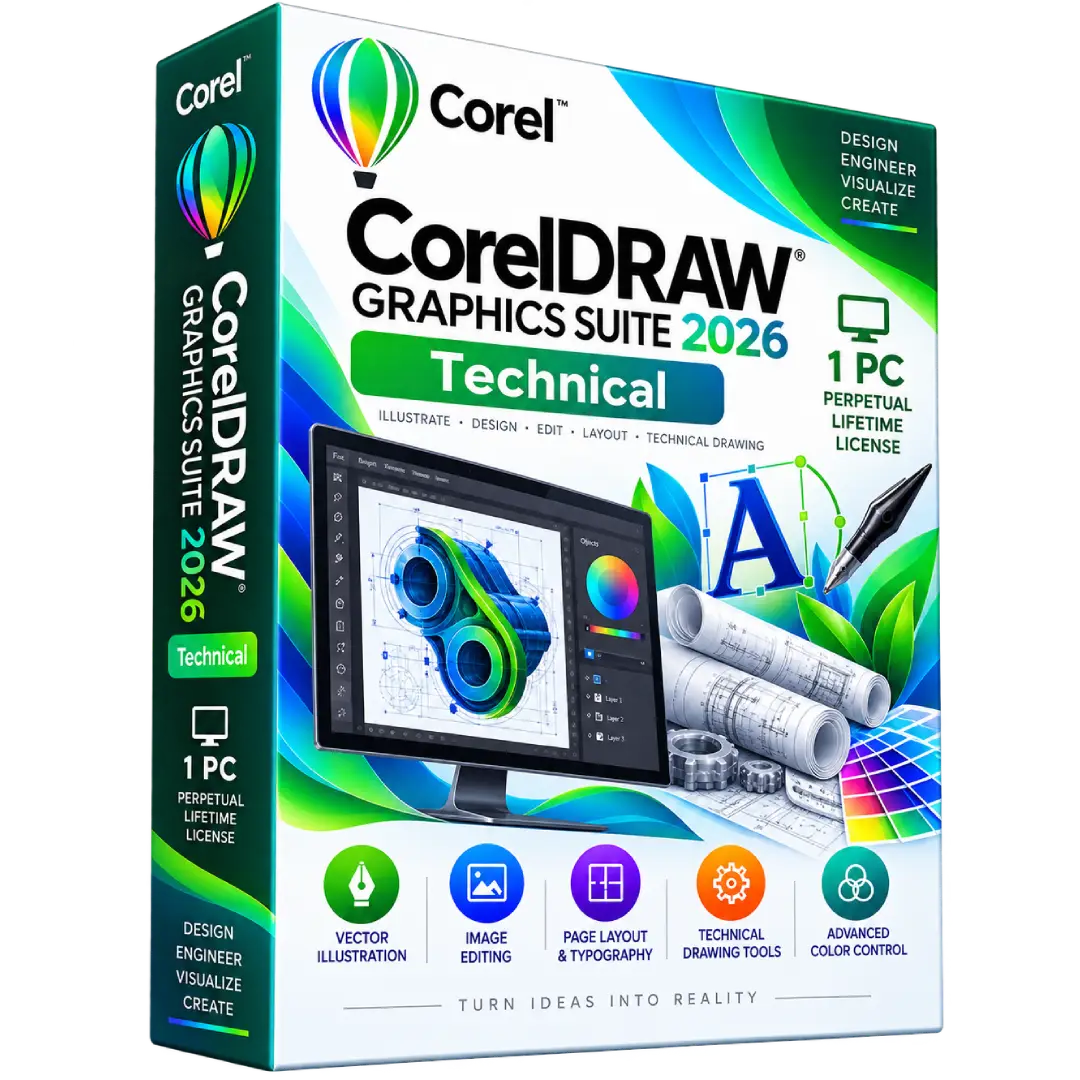
CorelDRAW Graphics Suite 2026 Technical 1 PC Perpetual Lifetime License
$89.00
Create professional illustrations, layouts, graphics, and print-ready artwork with CorelDRAW Graphics Suite 2026 Technical. This listing is specified as a 1-PC perpetual lifetime license.
- 🎨 Professional Vector Design – Create detailed illustrations, logos, graphics, and scalable artwork
- 📐 Page Layout – Design brochures, posters, flyers, publications, and multi-page documents
- 🖼️ Image Editing – Enhance and edit bitmap images and creative assets
- ✒️ Typography & Design – Create polished layouts using professional text and design tools
- 💻 1-PC License – License quantity specified as 1 PC for this product listing
- ♾️ Perpetual License – Use the purchased 2026 version without a recurring subscription
⚠️ Important: This listing specifies a 1-PC perpetual license. Corel confirms that one-time purchases provide perpetual use of the specific version purchased, while future major versions and subscriber-exclusive features are not automatically included. :contentReference[oaicite:0]{index=0}
🎨 Create Professional Designs with CorelDRAW Graphics Suite 2026
CorelDRAW Graphics Suite 2026 is a professional graphic design solution for creating vector illustrations, page layouts, image-based artwork, typography, and print-ready designs.
With a versatile collection of creative tools, CorelDRAW Graphics Suite can be used for branding, marketing materials, illustrations, publications, packaging, signage, and a wide range of professional design projects.
🔥 Key Features & Benefits
- 🎨 Vector Illustration – Create precise logos, illustrations, icons, shapes, and scalable graphics.
- 📐 Professional Page Layout – Build brochures, flyers, posters, reports, and multi-page creative projects.
- 🖼️ Image Editing – Edit and enhance bitmap-based images for use in professional designs.
- ✒️ Typography Tools – Create polished text layouts and combine typography with graphics.
- 🖨️ Print Production – Prepare artwork for professional printing and production workflows.
- 🤖 AI-Powered Creative Tools – The 2026 release includes AI-powered background removal and AI-powered masking capabilities.
- ✨ AI Image Creation – CorelDRAW 2026 includes generative AI functionality using AI credits.
- 🎯 Professional Color Workflows – Work with color-management tools and integrated PANTONE support.
- 📁 Extensive File Compatibility – Work with a broad range of graphics and document formats.
Corel’s 2026 release introduced an AI-powered background remover and AI-powered masking capabilities, while also expanding generative AI functionality. :contentReference[oaicite:1]{index=1}
📌 Product Specifications
- Product: CorelDRAW Graphics Suite 2026
- Edition: Technical, according to this product listing
- License Type: Perpetual
- License Quantity: 1 PC
- Version: 2026
- Primary Uses: Vector Illustration, Graphic Design, Page Layout, Image Editing, Typography
- Purchase Model: One-time purchase
🧰 What Can You Create?
- 🎯 Logos and brand identity graphics
- 📄 Brochures, flyers, and business materials
- 🪧 Posters, banners, and promotional designs
- 📦 Packaging and product artwork
- 🎨 Digital illustrations and creative artwork
- 📐 Multi-page layouts and publications
- 🖨️ Professional print-ready graphics
- 🖼️ Enhanced photographic and bitmap artwork
🤖 New in CorelDRAW Graphics Suite 2026
The 2026 release adds several AI-powered capabilities designed to accelerate creative workflows.
- ✂️ AI Background Removal – Automatically identify and remove image backgrounds with a single click.
- 🎭 AI Masking – Use AI-powered subject selection to create and refine masks in Corel PHOTO-PAINT.
- ✨ Generative AI – Use AI credits for supported generative image creation and modification features.
- 🧠 Creative Workflow Improvements – Additional enhancements are included throughout the 2026 release.
Corel states that perpetually licensed versions of Graphics Suite 2026 include a one-time balance of 2,000 AI credits, while subscribers and maintenance customers receive 2,000 credits monthly. :contentReference[oaicite:2]{index=2}
💻 System Requirements
For the current CorelDRAW Graphics Suite 2026 release, Corel lists the following minimum requirements: :contentReference[oaicite:3]{index=3}
- Operating System: Windows 11 or Windows 10, 64-bit, with the latest updates
- Processor: Intel Core i3/i5/i7/i9 7th generation or newer, or compatible AMD Ryzen, Threadripper, or EPYC processor
- RAM: 8 GB minimum; 16 GB or more recommended
- Graphics: OpenCL 1.2-compatible graphics card with 3 GB or more VRAM
- Storage: 5.5 GB available space for application and installation files
- Display: 1280 × 720 minimum; 1920 × 1080 or higher recommended
- Input: Mouse, tablet, or multi-touch screen
- Internet: Required for installation and authentication and for some included components, online features, and content
♾️ Perpetual Lifetime License
This product is listed as a perpetual lifetime license. Corel explains that a one-time purchase allows you to own and use the specific software version for as long as your operating system, devices, and technologies continue to support it.
A perpetual license does not automatically provide future major versions, new subscriber-exclusive features, or ongoing compatibility with future technologies. New versions can be purchased separately. :contentReference[oaicite:4]{index=4}
💻 1-PC License
This BuySoftKeys listing specifies a 1-PC license. The exact activation and license-assignment process should follow the activation information supplied with your order.
📥 Digital Product Delivery
After your order has been successfully processed, the applicable digital product information and activation instructions will be delivered electronically using the contact details provided during checkout.
Please make sure your email address is entered correctly when placing your order.
🔑 Installation & Activation
- 📥 Download the appropriate CorelDRAW Graphics Suite 2026 installer.
- 💻 Install the software on your compatible computer.
- 🔑 Enter the supplied activation information when requested.
- 👤 Sign in or create a Corel Account if required during authentication.
- 🎨 Launch CorelDRAW and begin creating your projects.
Corel states that an internet connection is required to install and authenticate CorelDRAW Graphics Suite and to access certain included components, online features, and content. :contentReference[oaicite:5]{index=5}
⚠️ Before You Buy
- ✔️ This listing is for CorelDRAW Graphics Suite 2026.
- ✔️ The listing specifies the Technical edition.
- ✔️ The listed license quantity is 1 PC.
- ✔️ The license is specified as perpetual lifetime.
- ✔️ A perpetual license applies to the purchased version and does not automatically include future major releases.
- ✔️ Check your computer against the official CorelDRAW 2026 system requirements before purchasing.
- ✔️ Internet access is required for installation and authentication.
🛠️ Need Assistance?
If you need help with your order, digital delivery, activation information, or installation, our support team is available to assist.
📧 Email: contact@buysoftkeys.com
📞 Phone: +1 (938) 230-0654
Note: CorelDRAW and related product names are trademarks or registered trademarks of Corel Corporation or its subsidiaries. BuySoftKeys is an independent seller and is not affiliated with or endorsed by Corel unless explicitly stated.