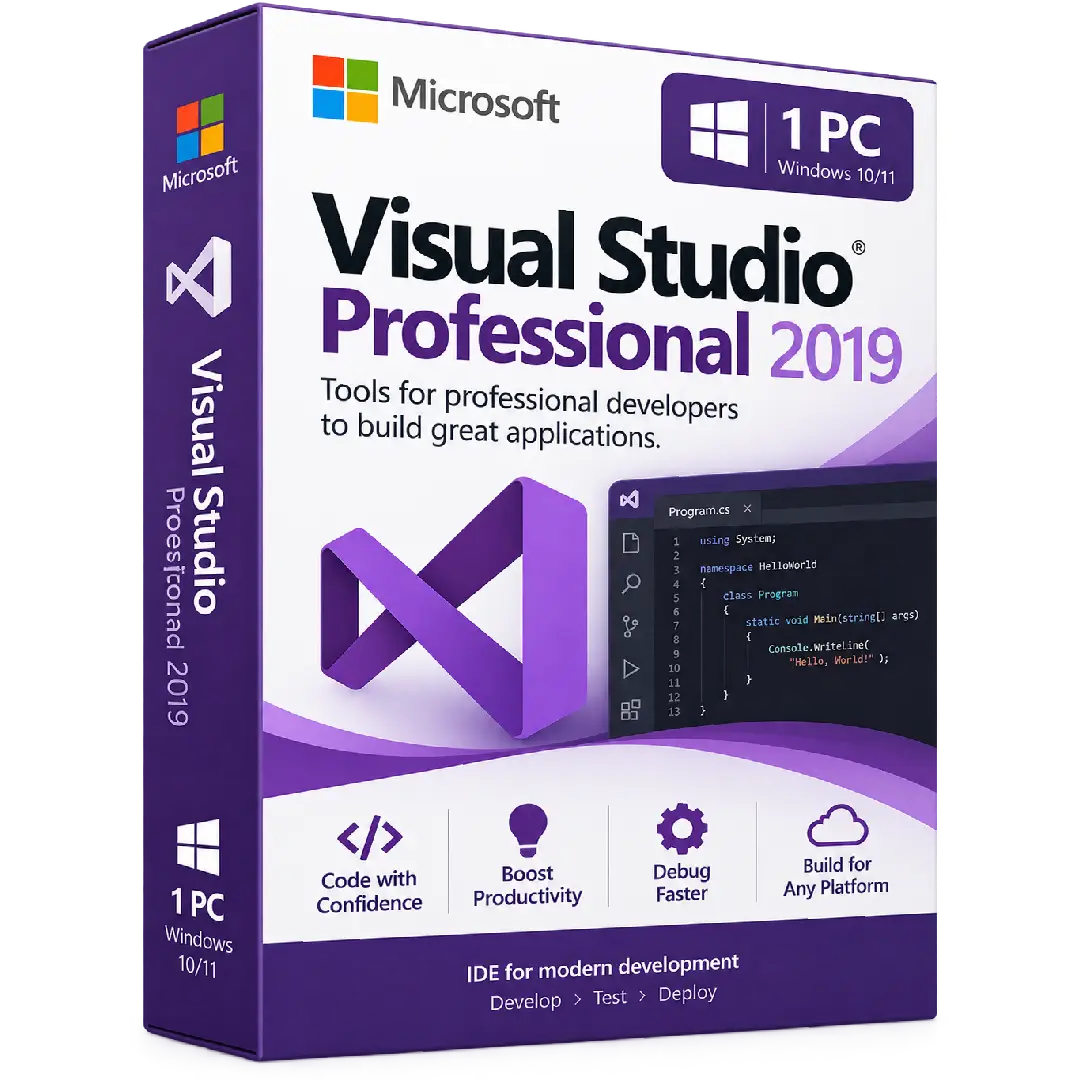
Visual Studio 2019 Professional Activation Key
$67.00
Build professional applications with Microsoft Visual Studio Professional 2019, a powerful integrated development environment for coding, debugging, testing, and application development. Designed for developers who need a complete set of tools to create, manage, and deploy modern software projects.
- 💻 Product: Microsoft Visual Studio Professional 2019
- 🔑 Activation: Digital product key
- 🧑💻 Development: Powerful coding and project-management tools
- 🐞 Debugging: Integrated debugging and diagnostic tools
- 🧪 Testing: Tools for testing and improving application quality
Important: This product requires a compatible Windows PC. Please verify system requirements and applicable Microsoft licensing terms before purchasing.
💻 Microsoft Visual Studio Professional 2019 – Powerful Tools for Professional Developers
Microsoft Visual Studio Professional 2019 is a comprehensive integrated development environment (IDE) designed for developers who need professional tools for writing code, building applications, debugging software, testing projects, and managing development workflows.
With its integrated development environment, Visual Studio Professional 2019 brings essential coding, debugging, testing, version-control, and productivity tools together in one workspace, helping developers work efficiently across a wide range of software projects.
🔥 Key Features & Benefits
- 💻 Professional Development: Write, edit, build, and manage application projects from a unified development environment.
- 🧑💻 Code Editing: Work with powerful code-editing and navigation tools designed to improve developer productivity.
- 🐞 Debugging: Find and troubleshoot application issues with integrated debugging and diagnostic capabilities.
- 🧪 Testing Tools: Create and run tests to help verify application behavior and software quality.
- 📊 Code Analysis: Use development tools that help identify potential issues and improve code quality.
- 🔗 Version Control: Work with source-control workflows and manage changes to development projects.
- ☁️ Cloud Development: Build applications and work with supported cloud-development technologies.
🚀 Complete Development Environment
Visual Studio Professional 2019 provides developers with a centralized environment for the different stages of software development. From creating the first lines of code to debugging and testing an application, the IDE provides tools designed to support the development workflow.
- 📝 Create and edit source code
- ⚙️ Build and manage software projects
- 🐞 Debug applications and investigate problems
- 🧪 Create and execute software tests
- 📈 Analyze and improve code quality
- 🔄 Manage source-code changes
- ☁️ Develop applications using supported cloud technologies
🧑💻 Built for Modern Software Development
Visual Studio Professional 2019 supports development across a broad range of programming languages, frameworks, and application types. Developers can configure the IDE with the workloads and components required for their particular projects.
- 🪟 Windows Development: Build applications for supported Windows environments.
- 🌐 Web Development: Create and manage modern web applications.
- ☁️ Cloud Development: Develop applications using supported cloud platforms and services.
- 📱 Cross-Platform Development: Work on supported cross-platform application projects.
- 💻 Multiple Languages: Work with C#, C++, Visual Basic, and other supported technologies.
🐞 Debug, Test & Improve Your Applications
Professional software development requires more than simply writing code. Visual Studio Professional 2019 includes integrated debugging and testing tools that allow developers to investigate application behavior, identify problems, and verify that their software performs as expected.
Use breakpoints, debugging windows, diagnostic tools, automated testing capabilities, and code-analysis features to support the development and maintenance of your applications.
⚡ Boost Developer Productivity
Visual Studio Professional 2019 is designed to make common development tasks easier to manage from a single interface. Code navigation, IntelliSense, project management, debugging, testing, and source-control integration help reduce the need to switch between separate development tools.
- 🔎 Navigate large codebases more efficiently
- 💡 Get intelligent coding assistance with IntelliSense
- 📂 Organize multiple projects and solutions
- 🐞 Debug and diagnose application problems
- 🧪 Test applications during development
- 🔄 Work with supported source-control systems
📌 Product Specifications
- Product: Microsoft Visual Studio Professional 2019 Activation Key
- Edition: Visual Studio Professional 2019
- Platform: Windows PC
- Activation: Digital product key
- Product Type: Integrated development environment (IDE)
- Delivery: Digital product
⚙️ System Requirements
Before purchasing, make sure your computer meets the applicable Microsoft Visual Studio 2019 requirements.
- 💻 Operating System: Supported Windows versions and Windows Server editions, depending on the development scenario
- ⚡ Processor: 1.8 GHz or faster; quad-core or better recommended
- 🧠 RAM: 2 GB minimum; 8 GB recommended
- 💾 Storage: Required space varies according to the workloads and components selected
- 🖥️ Architecture: 64-bit Windows recommended
- 🌐 Internet: Internet access may be required for installation, updates, and certain online features
🔑 How to Install & Activate Visual Studio Professional 2019
- Check compatibility: Verify that your Windows PC meets the applicable Visual Studio 2019 requirements.
- Prepare your PC: Make sure you have sufficient storage and close other applications before installation.
- Download Visual Studio: Obtain the appropriate Visual Studio 2019 installation package from Microsoft’s official Visual Studio resources.
- Open Visual Studio Installer: Start the installer and select the development workloads required for your projects.
- Install: Follow the on-screen instructions to complete the installation.
- Sign in or enter your key: Follow the Microsoft licensing and activation process applicable to your product key.
- Complete activation: Follow the instructions provided by Microsoft to complete activation.
- Start developing: Launch Visual Studio Professional 2019 and configure your preferred development environment.
📥 Digital Product Delivery
Your Microsoft Visual Studio Professional 2019 activation key is supplied digitally according to the delivery method specified by BuySoftKeys. No physical disc or package is required.
Keep your product key stored securely after delivery for your records and future reference.
⚠️ Before You Buy
- ✔️ Confirm that you specifically require Visual Studio Professional 2019.
- ✔️ Verify that your Windows computer meets the applicable system requirements.
- ✔️ Make sure sufficient storage is available for the workloads you intend to install.
- ✔️ Check whether another Visual Studio version or edition is already installed.
- ✔️ Confirm that the product key matches the Professional 2019 edition.
- ✔️ Review Microsoft’s applicable licensing and activation requirements.
- ✔️ Back up important development projects before making significant software changes.
🛠️ Need Assistance?
If you need assistance with your order, product key, installation, compatibility, or activation, the BuySoftKeys support team can help guide you through the next steps.
Support lifecycle note: Microsoft lists Visual Studio 2019 under its Fixed Lifecycle Policy, with extended support for the 2019 product line through April 11, 2029.
Note: Visual Studio is a Microsoft product. Installation, activation, available features, and continued use are subject to Microsoft’s applicable software and licensing terms.