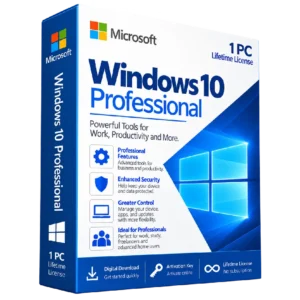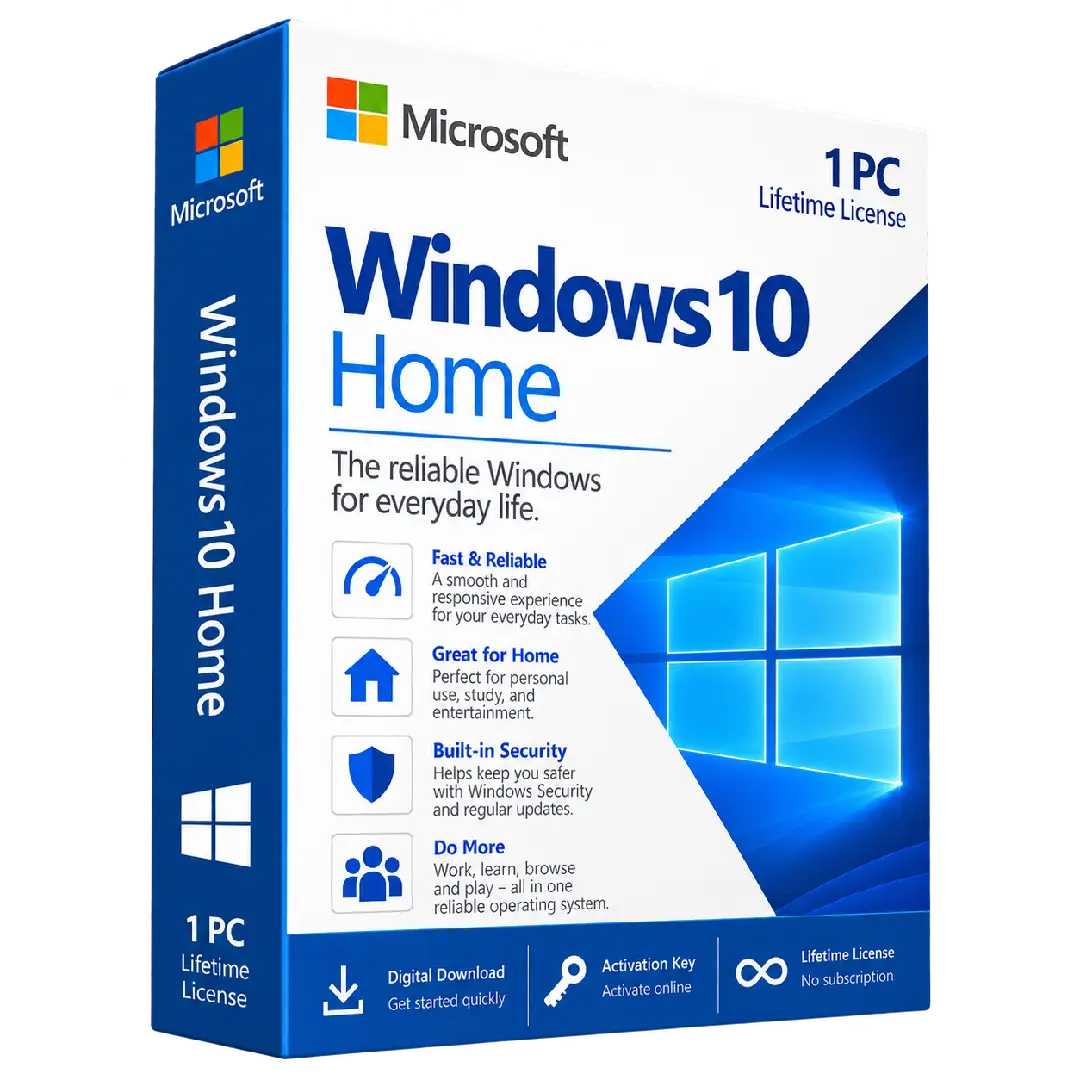
Windows 10 Home Activation key
$28.00
Activate your PC with Windows 10 Home, a reliable Windows edition designed for everyday computing, study, browsing, entertainment, and personal use.
- 🪟 Edition: Windows 10 Home
- 🔑 Activation: Digital product key
- 💻 Device: 1 PC
- 🛡️ Security: Built-in Windows security features
- 🏠 Ideal for: Home and everyday personal use
Important: Please verify that your PC is compatible with Windows 10 Home and that the installed Windows edition matches the product key before activation.
🪟 Get More Done with Windows 10 Home
Windows 10 Home provides a familiar and dependable Windows experience for everyday computing. It is designed for home users who want a straightforward operating system for browsing the web, studying, working with documents, enjoying entertainment, and staying connected.
With a clean desktop experience, built-in security features, and support for a wide range of applications and peripherals, Windows 10 Home gives your PC the essential tools you need for everyday tasks.
🔥 Key Features & Benefits
- 🪟 Familiar Windows Experience: Enjoy the classic Windows desktop environment with a user-friendly interface.
- 💻 Everyday Productivity: Browse the web, create documents, manage files, and handle daily tasks with ease.
- 🏠 Made for Home Users: A practical Windows edition for personal computers and everyday use.
- 🛡️ Built-in Security: Windows includes integrated security features designed to help protect your device and data.
- 🎬 Entertainment Ready: Use your PC for streaming, music, photos, games, and other entertainment activities.
- 🔌 Broad Device Support: Connect compatible printers, displays, storage devices, accessories, and other peripherals.
🏠 Why Choose Windows 10 Home?
Windows 10 Home is designed around the needs of everyday PC users. Whether you’re using your computer for school, personal projects, web browsing, entertainment, or general productivity, it provides the core Windows experience needed for common tasks.
- 📚 Suitable for study and personal projects
- 🌐 Convenient for everyday web browsing
- 📁 Easy access to files, applications, and settings
- 🎮 Suitable for compatible games and entertainment applications
- 🛡️ Includes integrated Windows security functionality
📌 Product Specifications
- Product: Windows 10 Home Activation Key
- Edition: Windows 10 Home
- License: Digital activation key
- Device: 1 PC
- Platform: Windows PC
- Delivery: Digital product
⚙️ Before You Activate
Before entering the product key, make sure your computer is running the appropriate Windows 10 Home edition or that you are performing a compatible installation. A product key for one Windows edition may not activate a different edition.
We recommend backing up important files before performing any major operating system installation or upgrade.
🔑 How to Activate Windows 10 Home
- Open Windows Settings: Go to Settings → Update & Security → Activation.
- Choose the activation option: Select the option to change or enter your Windows product key.
- Enter your key: Carefully enter the Windows 10 Home activation key supplied with your order.
- Follow the instructions: Continue through the on-screen activation process.
- Confirm activation: Return to the Activation settings page to verify the activation status.
📥 Digital Product Delivery
Your Windows 10 Home activation key is delivered digitally according to the delivery method specified by BuySoftKeys. No physical product is required.
After receiving your key, keep it stored securely for your records and future reference in accordance with the applicable license terms.
⚠️ Important Information
This product is an activation key for Windows 10 Home. Please check the edition, device compatibility, and applicable licensing requirements before purchasing.
Activation and installation are subject to Microsoft’s applicable software and licensing terms.
🛠️ Need Assistance?
If you have questions about your order, product key, installation, or activation, the BuySoftKeys support team is available to help you with the next steps.