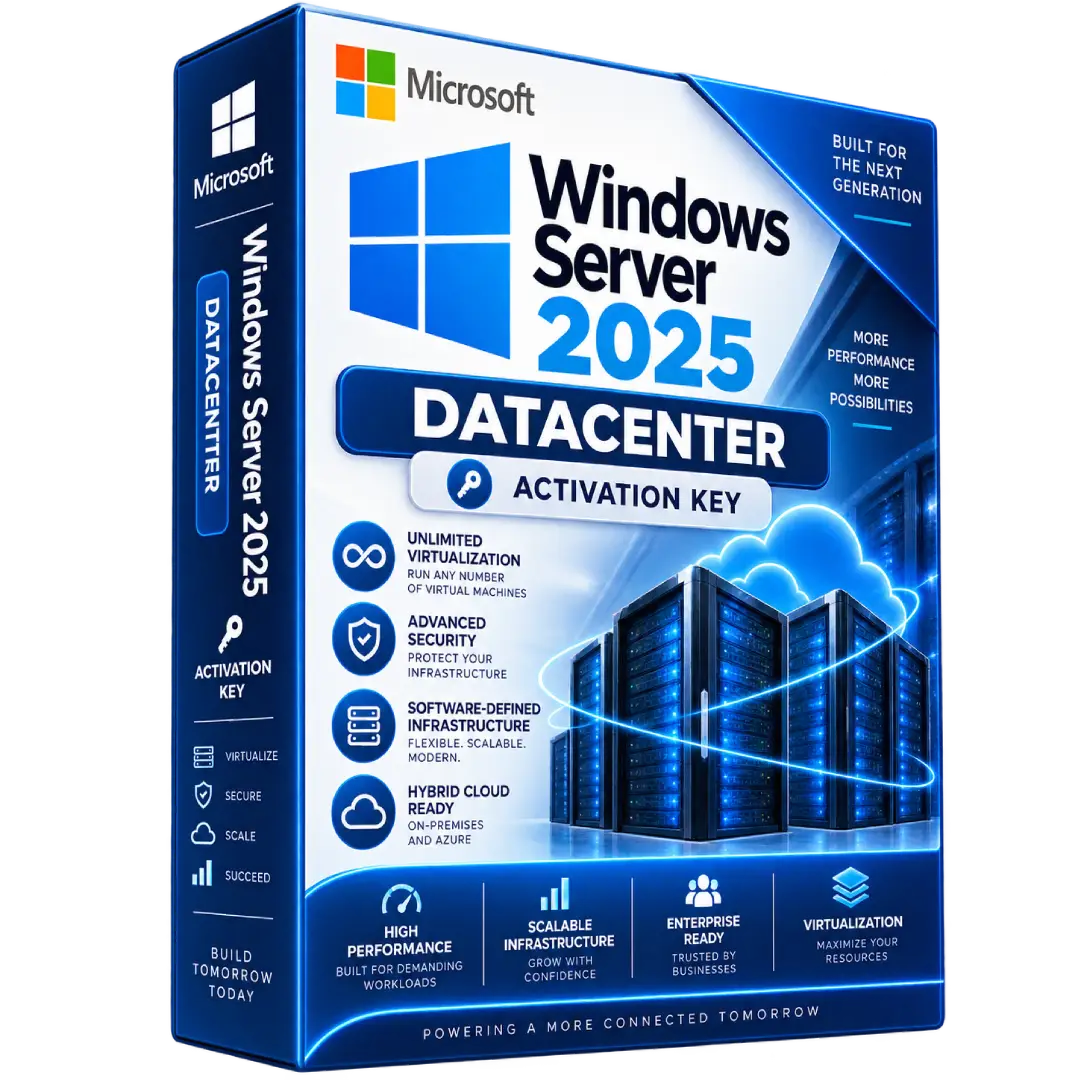
Windows Server 2025 Datacenter Activation key
$69.00
Power demanding server and virtualization environments with Windows Server 2025 Datacenter, designed for highly virtualized, software-defined, and modern datacenter infrastructure.
- 🖥️ Datacenter Edition – Designed for highly virtualized server environments
- ☁️ Unlimited Virtualization – Supports unlimited operating system environments when the server is properly licensed
- 🔐 Advanced Security – Built with modern security capabilities for server infrastructure
- ⚙️ Software-Defined Infrastructure – Advanced virtualization, networking, and storage capabilities
- 🚀 Modern Server Platform – Supports demanding enterprise and hybrid infrastructure workloads
- 🔑 Digital Activation Key – Activation information delivered electronically
⚠️ Important: Windows Server 2025 Datacenter uses Microsoft’s core-based licensing model and requires applicable Windows Server access licenses. The activation key itself does not replace the underlying licensing requirements.
🚀 Windows Server 2025 Datacenter – Built for Modern Datacenter Infrastructure
Windows Server 2025 Datacenter is designed for highly virtualized and software-defined datacenter environments that require advanced virtualization, scalability, security, storage, and networking capabilities.
Datacenter is Microsoft’s Windows Server edition intended for demanding virtualization and software-defined infrastructure. When properly licensed based on the applicable licensing model, it provides extensive virtualization rights for Windows Server workloads.
🔥 Key Features & Benefits
- ☁️ Unlimited Virtualization – When the physical server is fully licensed under the applicable Datacenter model, the edition provides rights for unlimited operating system environments.
- 🛡️ Advanced Security – Designed to help protect modern server infrastructure and workloads.
- 🌐 Software-Defined Networking – Supports advanced software-defined networking capabilities.
- 💾 Software-Defined Storage – Includes Datacenter capabilities such as Storage Spaces Direct.
- 🔒 Shielded Virtual Machines – Supports protected virtual machine environments.
- 🏢 Hyper-Converged Infrastructure – Designed for modern software-defined datacenter deployments.
- ☁️ Hybrid Infrastructure – Supports scenarios connecting on-premises infrastructure with cloud services.
- 🚀 Scalable Performance – Windows Server 2025 introduces increased scalability for demanding workloads.
📌 Product Specifications
- Product: Windows Server 2025 Datacenter
- Edition: Datacenter
- Version: Windows Server 2025
- License Model: Core-based / CAL
- Product Type: Digital Activation Key
- Virtualization: Unlimited OSE rights when properly licensed under the applicable Datacenter licensing model
- Delivery: Digital delivery
🏢 Designed for Modern Datacenters
Windows Server 2025 Datacenter is intended for organizations running demanding infrastructure and virtualization workloads.
- ☁️ Private and hybrid cloud environments
- 🖥️ Highly virtualized server infrastructure
- 🏢 Enterprise datacenters
- 🔗 Hyper-converged infrastructure
- 💾 Software-defined storage
- 🌐 Software-defined networking
- 🔐 Security-focused server environments
- 📦 Modern containerized workloads
☁️ Unlimited Virtualization
Windows Server 2025 Datacenter provides extensive virtualization rights when the applicable licensing requirements are met.
When licensed based on the physical cores of a server, Microsoft states that Datacenter provides rights to use Windows Server in any number of physical or virtual operating system environments on that licensed server. This makes the edition particularly suited to environments hosting multiple Windows Server virtual machines.
⚙️ Core-Based Licensing
Windows Server 2025 Datacenter is licensed using Microsoft’s core-based licensing model. When licensing based on physical cores, the number of required core licenses corresponds to the physical cores on the licensed server, subject to Microsoft’s minimum requirements.
- 🔹 Minimum 8 core licenses per physical processor
- 🔹 Minimum 16 core licenses per server
- 🔹 Core licenses are available in 2-packs and 16-packs
Microsoft also provides a virtual-machine licensing option for eligible subscription licenses or licenses with active Software Assurance, subject to the applicable licensing conditions.
This product is listed as a Windows Server 2025 Datacenter activation key. An activation key is used to activate the software, but it does not by itself replace Microsoft’s licensing requirements. Make sure the supplied license entitlement, core licensing, and access licensing are appropriate for your intended deployment.
👥 Windows Server CAL Requirements
Windows Server 2025 Datacenter requires applicable Windows Server access licenses for users or devices accessing the server. Microsoft identifies the Windows Server CAL as a base access license, while Remote Desktop Services CALs are additional licenses when RDS functionality is used.
If your deployment uses Remote Desktop Services, additional RDS User or Device CALs may therefore be required.
🚀 Windows Server 2025 Improvements
Windows Server 2025 introduces scalability and infrastructure improvements for demanding workloads, including support for up to 48 TB of memory and up to 2,048 logical cores across 64 physical sockets for supported Tier 1 applications.
- ⚡ Increased system scalability
- 📦 Improved Windows container capabilities
- 🌐 Enhanced networking capabilities
- 📁 SMB Compression improvements
- 🛠️ Updated Windows Admin Center experience
- ☁️ Enhanced Azure-connected management scenarios
⚙️ Installation & Activation
- Install a compatible Windows Server 2025 Datacenter environment.
- Complete the initial Windows Server configuration.
- Open Windows activation settings.
- Enter the applicable activation key supplied with your purchase.
- Complete activation using the appropriate Microsoft activation method.
- Configure your server roles, virtualization, networking, storage, and security policies.
For production environments, ensure that the activation method and license entitlement correspond to the licensing channel through which the product was acquired.
📥 Digital Product Delivery
After your order is processed, the applicable digital product information and activation details are delivered electronically according to the delivery method specified with your purchase.
- 📧 Digital delivery
- 🔑 Activation information supplied according to the purchased listing
- 💻 No physical media required
⚠️ Before You Buy
- Confirm that you specifically require Windows Server 2025 Datacenter.
- Check your server’s physical processor and core configuration.
- Make sure the required core licenses are properly covered.
- Remember that Windows Server CALs are separate from the server’s core licensing.
- If using Remote Desktop Services, additional RDS CALs may be required.
- Verify the exact license type, licensing channel, and activation method supplied with the product.
- For production deployments, ensure the license entitlement complies with Microsoft’s applicable licensing terms.
🛠️ Need Assistance?
If you need help with your digital product delivery or activation information, contact our support team with your order details.
📧 Email: contact@buysoftkeys.com
📞 Phone: +1 (938) 230-0654
Microsoft, Windows, and Windows Server are trademarks of Microsoft Corporation. BuySoftKeys is an independent seller and is not affiliated with or endorsed by Microsoft Corporation.
Related products
- Buy now
- Buy now
- Buy now
-
Windows ServersBuy now
Windows Server 2019 Remote Desktop Services CALs – 50 Devices License
$70.00 Add to cart