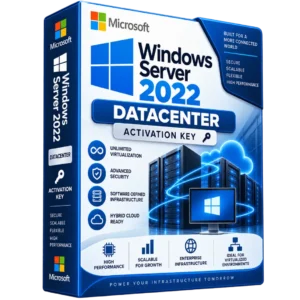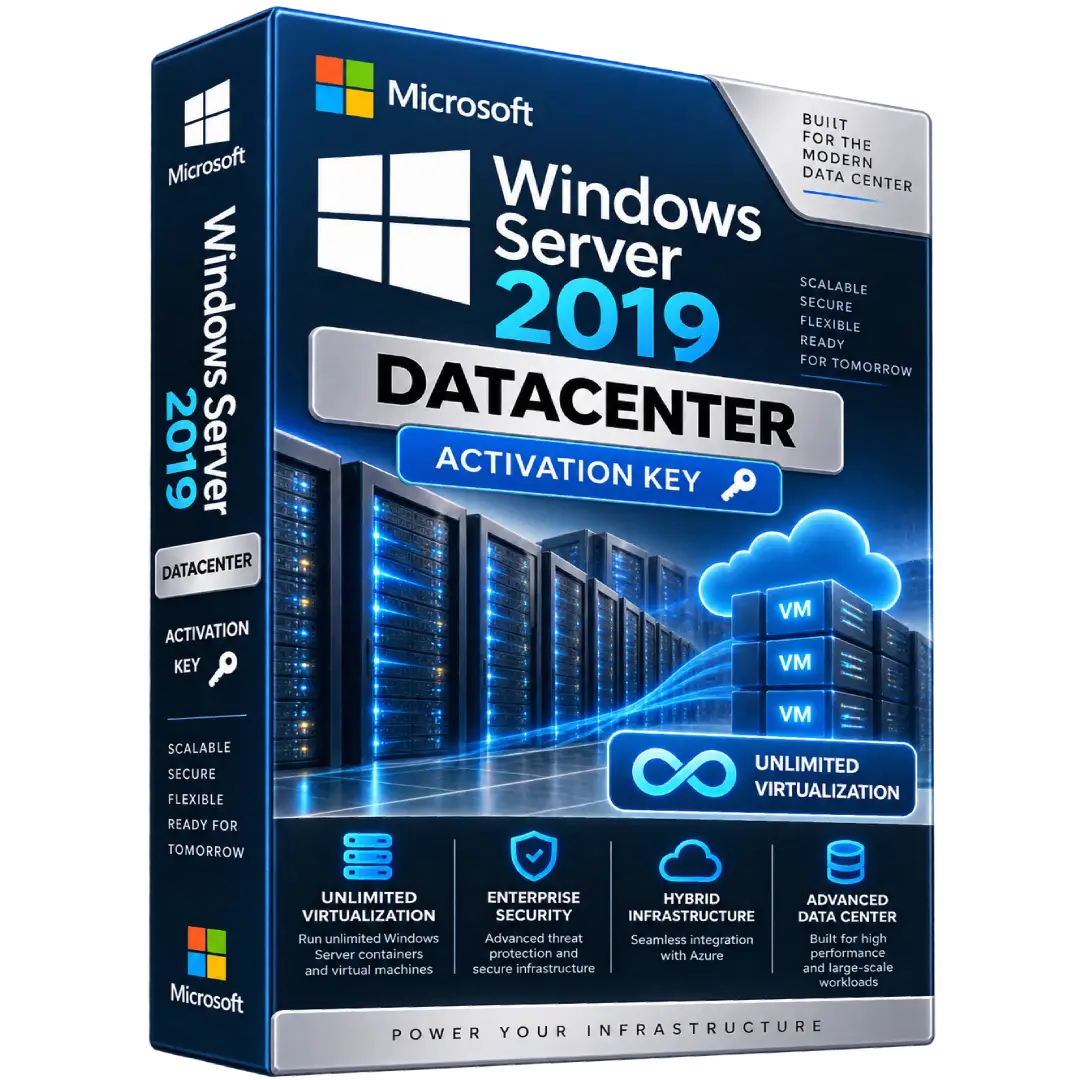
Windows Server 2019 Datacenter Activation Key
$37.00
Power demanding server environments with Windows Server 2019 Datacenter, designed for highly virtualized datacenter and cloud environments.
- 🖥️ Datacenter Edition – Built for highly virtualized server environments
- ☁️ Virtualization – Supports unlimited virtual operating system environments when properly licensed
- 🔐 Enterprise Security – Multi-layer security and advanced server protection capabilities
- ⚙️ Hybrid Infrastructure – Designed to support modern on-premises and hybrid environments
- 🔑 Digital Activation Key – Activation details delivered digitally
⚠️ Important: Windows Server 2019 Datacenter uses core-based licensing and requires the appropriate Windows Server CALs for user or device access. A product key by itself does not establish complete licensing entitlement. Verify the license type and activation method before deployment.
🚀 Windows Server 2019 Datacenter – Built for Modern Data Centers
Windows Server 2019 Datacenter is designed for highly virtualized datacenter and cloud environments that require advanced server capabilities, scalability, and strong virtualization rights.
Windows Server 2019 introduced capabilities for hybrid environments, enhanced security, application modernization, and hyper-converged infrastructure. Microsoft identifies the Datacenter edition specifically for highly virtualized datacenters and cloud environments. :contentReference[oaicite:0]{index=0}
🔥 Key Features & Benefits
- 🖥️ Datacenter Edition – Designed for highly virtualized datacenter and cloud environments.
- ☁️ Extensive Virtualization Rights – When the required physical-core licenses are assigned, Datacenter provides rights to run Windows Server in an unlimited number of operating system environments on the licensed server. :contentReference[oaicite:1]{index=1}
- 🔐 Advanced Security – Windows Server 2019 includes multiple layers of protection designed to help strengthen server security. :contentReference[oaicite:2]{index=2}
- 🌐 Hybrid Capabilities – Supports hybrid scenarios connecting on-premises infrastructure with Azure services. :contentReference[oaicite:3]{index=3}
- ⚙️ Modern Infrastructure – Supports hyper-converged infrastructure and modern application workloads.
📌 Product Specifications
- Product: Windows Server 2019 Datacenter
- Edition: Datacenter
- License Model: Per Core / CAL
- Product Type: Digital Activation Key
- Operating System: Windows Server
- Virtualization: Unlimited OSE rights when the server is properly licensed under the applicable Datacenter licensing model
- Delivery: Digital delivery
🏢 Who Is Windows Server 2019 Datacenter For?
This edition is intended for organizations and administrators operating server infrastructure where virtualization and datacenter workloads are important. Typical environments may include:
- Virtualized server environments
- Private and hybrid cloud infrastructure
- Enterprise server deployments
- Hyper-V virtualization environments
- Application and infrastructure servers
- Hyper-converged infrastructure deployments
☁️ Virtualization Capabilities
Windows Server 2019 Datacenter provides extensive virtualization rights when the server is licensed according to Microsoft’s core-based licensing requirements. Under physical-core licensing, all physical cores on the licensed server must be covered, subject to Microsoft’s minimum licensing requirements. :contentReference[oaicite:4]{index=4}
Microsoft’s licensing guidance specifies a minimum of 8 core licenses per physical processor and 16 core licenses per server when licensing based on physical cores. :contentReference[oaicite:5]{index=5}
🔐 Licensing & Access Requirements
Windows Server 2019 Datacenter is licensed under Microsoft’s Per Core/CAL model. The server software requires the appropriate number of core licenses, and users or devices accessing the server generally require Windows Server CALs or another applicable access license. :contentReference[oaicite:6]{index=6}
The product listed here is described as an activation key. A product key is used for software activation, but Microsoft’s licensing requirements are separate from the key itself. Core licensing and required CALs depend on the server deployment and licensing channel. Please verify the exact license entitlement supplied with your purchase before using it in a production environment.
⚙️ Activation & Installation
- Install the compatible Windows Server 2019 Datacenter operating system.
- Complete the initial Windows Server configuration.
- Open the Windows Server activation settings.
- Enter the supplied activation key when prompted.
- Complete activation using the applicable Microsoft activation method.
- Configure your server roles, applications, virtualization, and security policies.
Microsoft provides activation mechanisms for Windows Server 2019, including volume-activation technologies for applicable licensing environments.
📥 Digital Product Delivery
After your order is processed, the applicable digital product information and activation details are provided electronically according to the delivery method specified with your purchase.
- 📧 Digital delivery
- 🔑 Activation information included according to the purchased listing
- 💻 No physical media required
⚠️ Before You Buy
- Confirm that you require Windows Server 2019 Datacenter specifically.
- Check your server’s processor/core configuration before determining the required licensing.
- Windows Server CAL requirements apply to users or devices accessing the server in applicable deployments.
- Activation and licensing entitlement are separate considerations.
- Verify that the license type supplied with your order matches your intended deployment and licensing requirements.
🛠️ Need Assistance?
If you need help with your digital product delivery or activation information, contact our support team and provide your order details so we can assist you.
📧 Email: contact@buysoftkeys.com
📞 Phone: +1 (938) 230-0654
Microsoft, Windows, and Windows Server are trademarks of Microsoft Corporation. BuySoftKeys is an independent seller and is not affiliated with or endorsed by Microsoft Corporation.