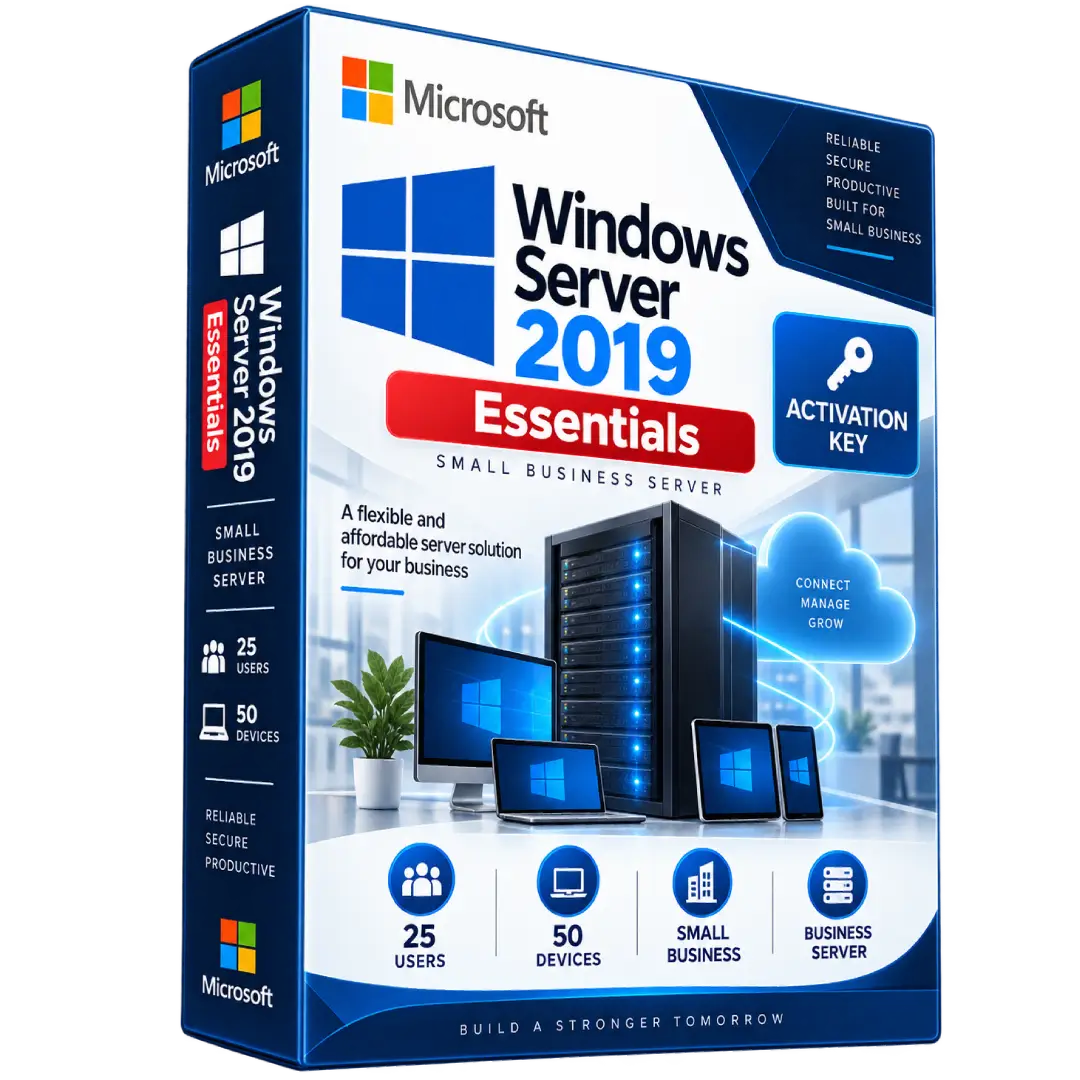
Windows Server 2019 Essentials Activation Key
$35.00
Set up a reliable server environment for a small business with Windows Server 2019 Essentials, designed specifically for organizations with up to 25 users and 50 devices.
- 🖥️ Small Business Server – Designed for up to 25 users and 50 devices
- 🔐 Built-In Access Rights – Essentials licensing includes access for the supported user limit without separate Windows Server CALs
- 📁 Business Infrastructure – Suitable for file sharing, print services, user management, and common server workloads
- ☁️ Hybrid Ready – Supports modern infrastructure and Azure-connected scenarios
- 🔑 Digital Activation Key – Activation details delivered electronically
⚠️ Important: Windows Server 2019 Essentials has specific licensing limitations, including a maximum of 25 user accounts and 50 connected devices. RDS and certain additional Microsoft services may have separate licensing requirements.
🚀 Windows Server 2019 Essentials – A Practical Server Solution for Small Businesses
Windows Server 2019 Essentials is designed as a flexible and easy-to-use server platform for small businesses. It provides core Windows Server capabilities for organizations with up to 25 users and 50 devices.
Essentials is intended to provide a simpler licensing model for smaller organizations, making it suitable for common business server environments such as file and print sharing, user management, and other traditional server applications.
🔥 Key Features & Benefits
- 🏢 Designed for Small Businesses – Supports organizations with up to 25 users and 50 devices.
- 👥 25 User Accounts – Microsoft licensing permits up to 25 user accounts under the Essentials edition.
- 💻 Up to 50 Devices – The Windows Server Essentials Connector can be used on up to 50 devices at a time.
- 📁 Business File & Print Services – Suitable for common small-business infrastructure requirements.
- 🔐 Windows Server Security – Provides the server security and management capabilities of the Windows Server platform.
- ☁️ Hybrid Infrastructure – Windows Server 2019 includes capabilities for connecting on-premises environments with Azure services.
📌 Product Specifications
- Product: Windows Server 2019 Essentials
- Edition: Essentials
- Architecture: 64-bit
- Product Type: Digital Activation Key
- Maximum Users: 25 user accounts
- Maximum Devices: 50 devices
- Windows Server CALs: No standard Windows Server CALs required under the Essentials licensing model
- Delivery: Digital delivery
🏢 Who Is Windows Server 2019 Essentials For?
Windows Server 2019 Essentials is intended for smaller organizations that need a dedicated Windows Server environment without the licensing structure associated with the Standard or Datacenter editions.
Typical uses can include:
- 📁 Centralized file storage and sharing
- 🖨️ Network print services
- 👥 User and account management
- 💻 Small-business server infrastructure
- 🔐 Network and server administration
- ⚙️ Traditional business applications
👥 User & Device Limits
Microsoft’s licensing terms allow Windows Server 2019 Essentials to use up to 25 user accounts. Each account permits a named user to access and use the server software on the licensed server.
The Windows Server 2019 Essentials Connector can be installed and used on up to 50 devices at a time. :contentReference[oaicite:1]{index=1}
Windows Server 2019 Essentials has specific user and device limitations. It is designed for up to 25 user accounts and 50 devices. Exceeding these limits or using separately licensed Microsoft services may require different licensing.
🔐 CAL Licensing
Unlike Windows Server 2019 Standard and Datacenter, Microsoft classifies Windows Server 2019 Essentials as a specialty server and its licensing model does not require separate standard Windows Server CALs for access within the Essentials limits. :contentReference[oaicite:2]{index=2}
Microsoft’s documentation also notes that certain services can have separate licensing requirements. For example, access to Remote Desktop Services (RDS) is not covered simply by the Essentials license and requires the applicable licensing.
⚙️ Installation & Activation
- Install the compatible Windows Server 2019 Essentials operating system.
- Complete the initial Windows Server configuration.
- Open the Windows activation settings.
- Enter the supplied activation key when prompted.
- Complete activation using the applicable Microsoft activation method.
- Configure your users, devices, server roles, and business applications.
Microsoft provides Windows Server 2019 Essentials as a 64-bit edition and makes evaluation media available through its Evaluation Center. :contentReference[oaicite:3]{index=3}
📥 Digital Product Delivery
After your order is processed, the applicable digital product information and activation details are delivered electronically according to the delivery method specified with your purchase.
- 📧 Digital delivery
- 🔑 Activation information supplied with the order
- 💻 No physical media required
⚠️ Before You Buy
- Confirm that Windows Server 2019 Essentials meets your organization’s requirements.
- Essentials is limited to 25 user accounts and 50 devices.
- Separate licensing may apply to services such as Remote Desktop Services.
- Check your intended server configuration and workload before deployment.
- Verify that the license/activation key supplied with your order matches your intended use and licensing requirements.
🛠️ Need Assistance?
If you need help with your digital product delivery or activation information, contact our support team with your order details.
📧 Email: contact@buysoftkeys.com
📞 Phone: +1 (938) 230-0654
Microsoft, Windows, and Windows Server are trademarks of Microsoft Corporation. BuySoftKeys is an independent seller and is not affiliated with or endorsed by Microsoft Corporation.
Related products
- Buy now
- Buy now
- Buy now
-
Windows ServersBuy now
Windows Server 2025 Remote Desktop Services CALs – 50 Users License
$79.00 Add to cart