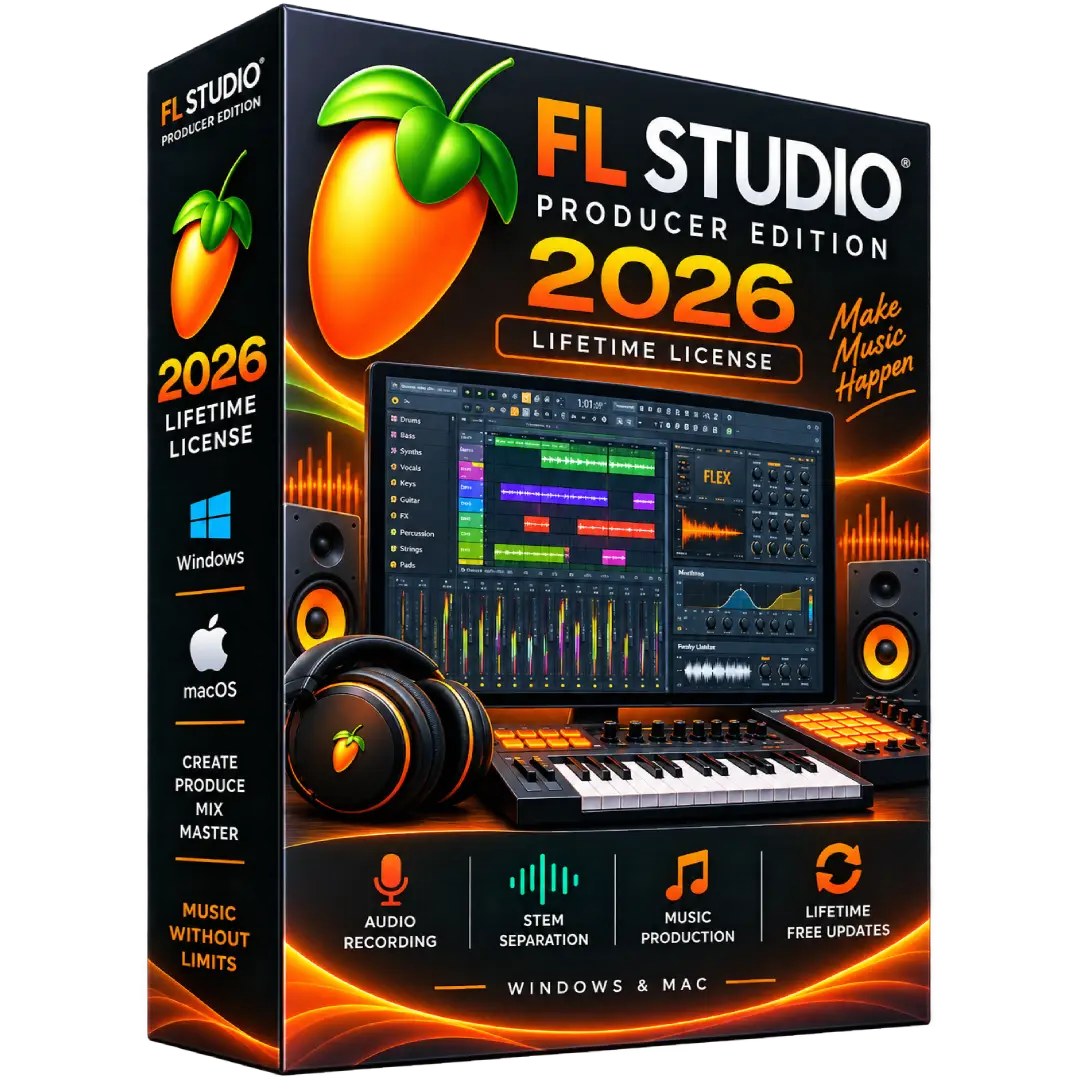
FL Studio Producer Edition 2026 Lifetime License for Windows & Mac
$119.00
Create, record, arrange, mix, and master your music with FL Studio Producer Edition 2026 — a complete music-production environment for Windows and macOS with a lifetime license and free updates.
- 🎹 Full Music Production: Build complete tracks with powerful sequencing, arrangement, mixing, and mastering tools.
- 🎙️ Audio Recording: Record vocals, instruments, and other external or internal audio directly into your projects.
- 🎚️ Stem Separation: Split audio into individual instrument parts for editing and remixing.
- 💻 Windows & Mac: Compatible with Windows and macOS, with one FL Studio license covering both platforms.
- 🔄 Lifetime Free Updates: Receive future updates for your purchased edition without additional update fees.
📌 Important: This listing is for FL Studio Producer Edition 2026. The Producer Edition includes FL Studio’s core production features, audio recording, and stem separation. :contentReference[oaicite:0]{index=0}
🎵 Create, Record & Produce Music with FL Studio Producer Edition 2026
FL Studio Producer Edition 2026 gives musicians, producers, beatmakers, and creators a powerful environment for turning musical ideas into finished tracks. Build arrangements, record audio, edit clips, mix projects, and shape your sound with the core FL Studio production workflow.
The Producer Edition is available for Windows and macOS and includes a lifetime FL Studio license with Lifetime Free Updates for the purchased edition. :contentReference[oaicite:1]{index=1}
🔥 Key Features & Benefits
- 🎹 Complete Music Production: Create beats, melodies, arrangements, and full songs inside FL Studio.
- 🎙️ Audio Recording: Record vocals, instruments, and other audio sources directly into the Playlist as editable Audio Clips.
- ✂️ Stem Separation: Separate audio into individual instrument parts for remixing, editing, and creative production.
- 🎚️ Professional Mixing: Shape your tracks using FL Studio’s mixer, effects, automation, and processing tools.
- 🎛️ Flexible Workflow: Build your projects using the Playlist, Piano Roll, Channel Rack, Mixer, and included production tools.
- 💻 Windows & macOS: Use FL Studio across supported Windows and Mac computers.
- 🔄 Lifetime Free Updates: Future updates for your purchased edition are provided without additional update fees.
📌 Product Specifications
- Product: FL Studio Producer Edition 2026
- Edition: Producer Edition
- License: Lifetime FL Studio License
- Platforms: Windows & macOS
- Audio Recording: Included
- Stem Separation: Included
- Updates: Lifetime Free Updates for the purchased edition
- Delivery: Digital product
🎙️ Audio Recording & Production
Producer Edition adds audio recording capabilities to the FL Studio workflow. Record vocals, instruments, and other audio directly into your projects and work with the recordings as editable Audio Clips. :contentReference[oaicite:2]{index=2}
🎚️ Stem Separation
FL Studio Producer Edition includes stem separation, allowing supported audio to be separated into individual instrument components for editing and remixing. :contentReference[oaicite:3]{index=3}
💻 Windows & macOS Compatibility
FL Studio is available for both Windows and macOS. Image-Line states that one FL Studio license covers both platforms, allowing you to use the software on supported Windows and Mac systems. :contentReference[oaicite:4]{index=4}
⚙️ System Requirements
Windows:
- Windows 10, Windows 11, or newer
- At least 4 GB RAM
- At least 4 GB available disk space
- Intel or AMD processor
macOS:
- macOS 10.15.7 or newer
- At least 4 GB RAM
- At least 4 GB available disk space
- Intel or Apple Silicon processor
These requirements are based on Image-Line’s current official FL Studio download information. :contentReference[oaicite:5]{index=5}
🔄 Lifetime Free Updates
FL Studio includes Lifetime Free Updates. Image-Line states that updates, improvements, and new features released for your purchased edition are provided free of charge. :contentReference[oaicite:6]{index=6}
🔑 Installation & Activation
- Download the official FL Studio installer for Windows or macOS.
- Install FL Studio on your compatible computer.
- Open FL Studio after installation.
- Sign in to your Image-Line account when prompted.
- Use the supplied license information to unlock the purchased edition.
- Start creating, recording, editing, mixing, and producing your music.
Image-Line provides the official installer for both Windows and macOS and states that the same installer is used for trial, full versions, and updates. :contentReference[oaicite:7]{index=7}
📥 Digital Product Delivery
This is a digital software product. No physical disc or boxed copy is shipped. Product/license information is supplied digitally according to the delivery method specified with your order.
⚠️ Before You Buy
- Confirm that your computer meets the listed system requirements.
- Make sure you are purchasing the Producer Edition, not Signature Bundle or All Plugins Edition.
- FL Studio Producer Edition includes audio recording and stem separation, while higher editions add additional plugin collections. :contentReference[oaicite:8]{index=8}
- Lifetime Free Updates apply to the purchased FL Studio edition and its included products according to Image-Line’s update policy. :contentReference[oaicite:9]{index=9}
🛠️ Need Assistance?
If you need help with your order, installation, or activation, please contact the BuySoftKeys support team. We are happy to help you through the digital delivery and setup process.
Note: FL Studio and Image-Line are trademarks of Image-Line. BuySoftKeys is not affiliated with or endorsed by Image-Line unless explicitly stated.